Wemo + Google Assistant: Back From the Dead (And Faster Than Before)
I have a house full of Wemo switches, dimmers, and plugs, and I use Google Home speakers in pretty much every room. "Hey Google, turn off the kitchen light" was part of my daily routine — until Belkin pulled the plug.
On January 31, 2026, Belkin the company behind the Wemo–Google Home integration, turned down the integration and I guess Google decided not to step in with a solution.
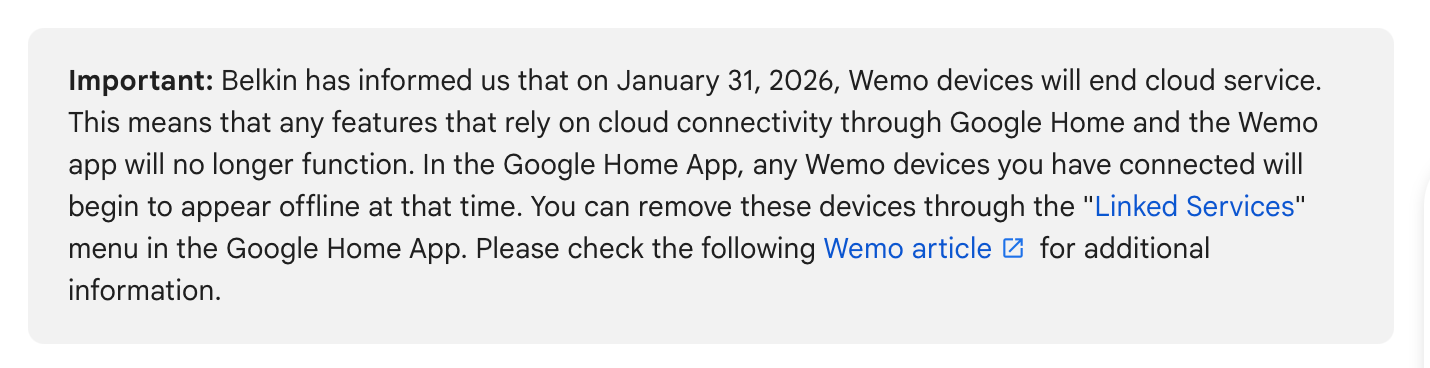
Overnight, my devices went offline in the Google Home app and stopped responding to voice commands.
Finding the Fix
A Reddit post pointed me in the right direction. People were restoring full voice control using Home Assistant and the Matterbridge add-on to bridge their devices to Google Home via the Matter protocol. I already had Home Assistant running with my Wemo devices connected through the built-in Belkin WeMo integration — which uses UPnP and never touched Belkin's cloud — so my devices were already working in HA. I just needed to expose them to Google Home.
The Setup
- (Only if required) Update HA Supervisor
When I first tried to add a third-party add-on repository, I hit this error:'StoreManager.add_repository' blocked from execution, supervisor needs to be updated first
Fix: go to Settings → System → Updates and update the Supervisor before doing anything else. - Add the Matterbridge repository
In Home Assistant: Settings → Add-ons → Add-on Store, tap the overflow menu (⋮) in the top right, select Repositories, and add:https://github.com/Luligu/matterbridge-home-assistant-addon - Install and start Matterbridge
Find Matterbridge Home Assistant Application in the store, install it, then start it and open the Web UI. - Install the matterbridge-hass plugin
In the Matterbridge UI, install the matterbridge-hass plugin. Configure it with:
- Your Home Assistant URL (e.g. http://homeassistant.local:8123)
- A long-lived access token (HA → your profile → Security → Create token)
Restart the Matterbridge add-on to let it load your HA entities. - Pair with Google Home
In the Google Home app, tap + → Set up device → Matter device, then scan the QR code shown in the Matterbridge add-on. Walk through the pairing flow and assign devices to rooms.
End Result
All of my Wemo devices are back in Google Home, online, and responding to voice commands. Pleasant surprise: they're noticeably faster than before. The old Belkin integration routed commands through the cloud. Now everything runs locally over Matter — "Hey Google, turn off the backyard light" and it's instant.
If you're a Wemo user who lost Google Assistant control in February 2026, this setup is worth the 15 minutes it takes. You get your voice commands back, you get local control, and you end up in a better place than you started.