Learning Claude Code Plugins by Building Two
I've been wanting to learn how Claude Code plugins work, so I decided to build a few using plugin-dev.
How To Install (in Claude Code)
# 1. Add the marketplace
/plugin marketplace add danielraffel/worktree-manager

# 2. Install Worktree-Manager
/plugin install worktree-manager@generous-corp-marketplace

# 3. Install Chainer
/plugin install chainer@generous-corp-marketplace

# 4. Restart Claude Code
# Quit and reopen Claude Code to load the plugin(s)
Worktree-Manager
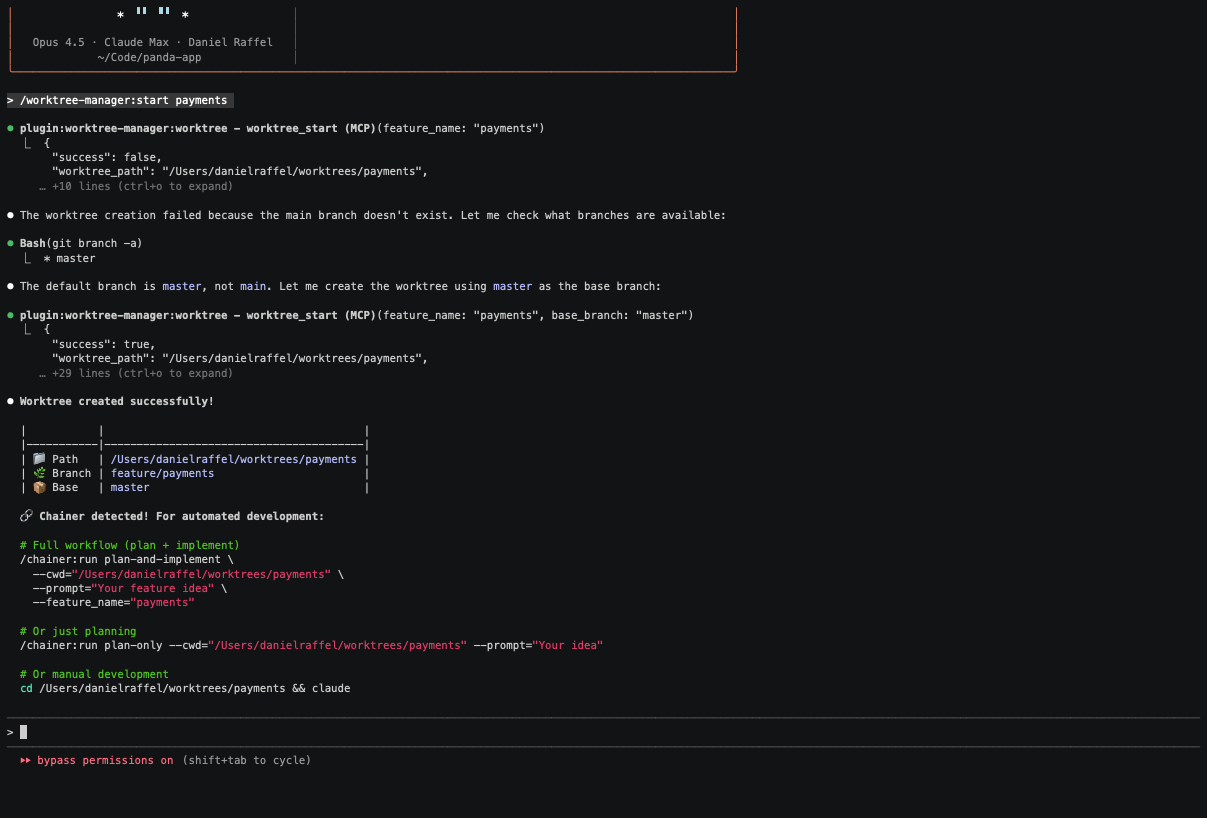
The first plugin I built is called Worktree-Manager. It’s designed to make creating and managing git worktrees easier —handy when you’re building multiple features in parallel with agents and want to avoid stepping on each other’s changes. Example Commands.
Here’s a quick demo of it in action.
Chainer
The second plugin I built is called Chainer. You tell Claude Code what you want to build, and Chainer figures out which plugin(s) to use and runs them in the right order—end to end. Instead of manually picking tools and stitching steps together, you just describe the goal in natural language and Chainer orchestrates the workflow for you. Example Commands.
In the ~10-minute demo below, I gave it a prompt, and Chainer chose the frontend-design plugin and completed the task end-to-end.
Build a Galaxian-inspired arcade shooter as a single, self-contained index.html (everything inline: HTML/CSS/JS and any shaders), with no server, no build tools, no external libraries, and no external assets—it must run from file:// and on static hosting. Design, implement and build modern arcade features (beyond the original) that add real depth and replayability. Output the complete index.html when you’re done.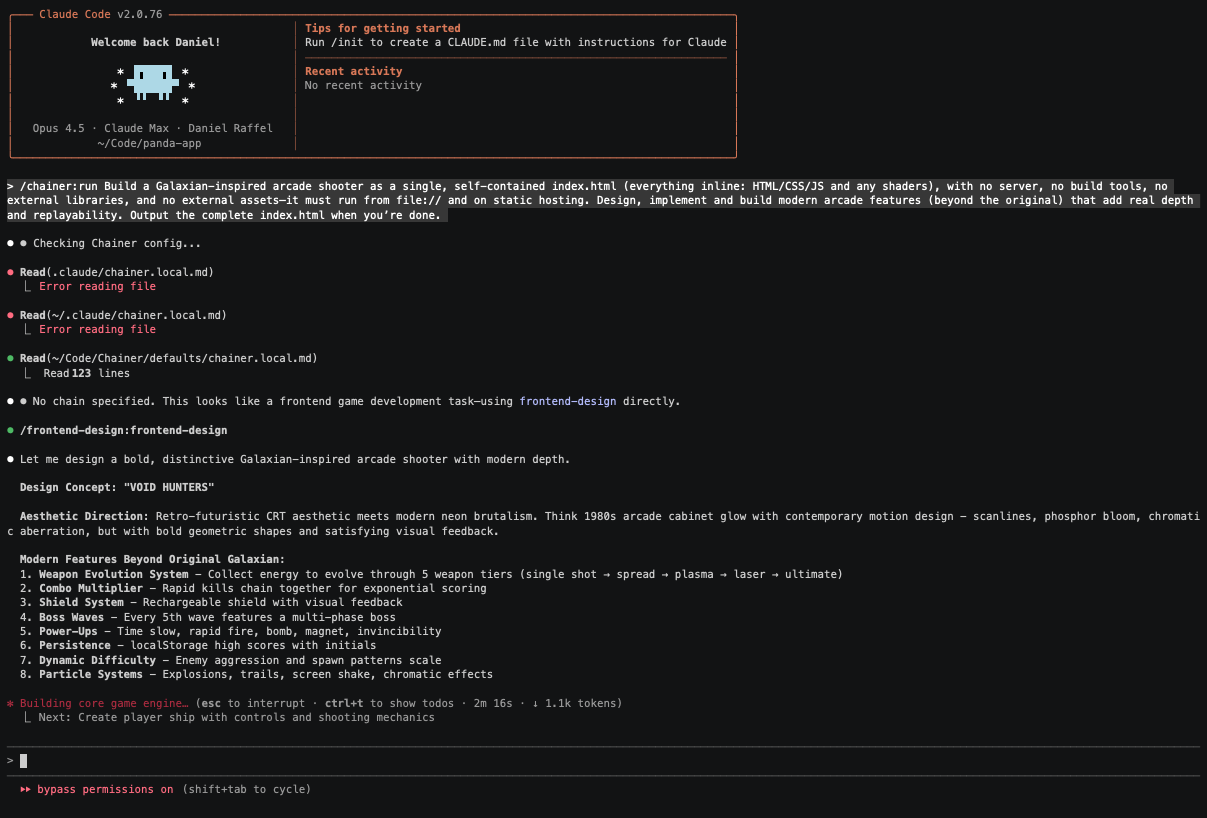
Play the game Claude built
There are probably better plugins for each job, but building these was a great way to learn how Claude Code plugins—and Claude Code itself—work under the hood. I especially enjoyed digging into AskUserQuestion, which turns a wall of text into a guided, multi-step flow.
What an inspiring time to make digital artifacts.